
Your 4G/5G backup probably does not protect you
This page describes a backup that switches over. The article explains how to check it yourself, rather than finding out on the day of the outage.
Read: testing your 4G/5G backupMany operators offer 4G/5G backup, as an option, at the bottom of the quote. With us, a connection delivered is a connection with backup.
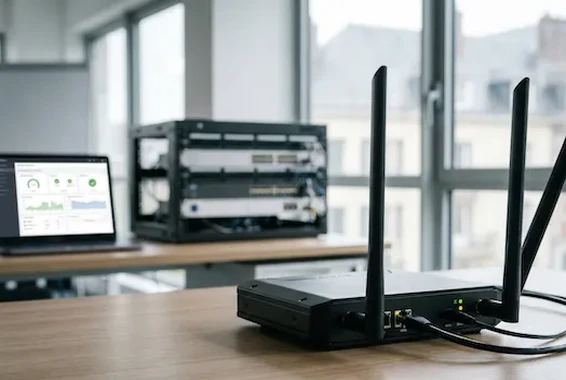 4G/5G backup on standby
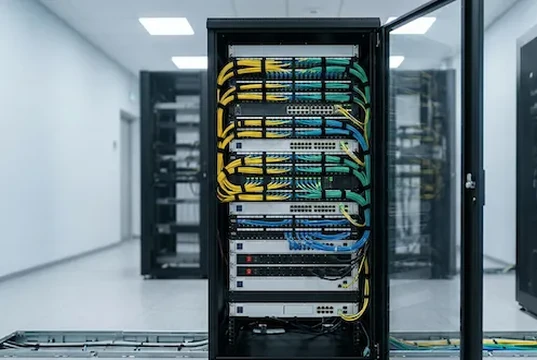
Your fibre will go down one day. And the outage is counted in hours, not in minutes.
Payments no longer synchronise. The queue grows in front of the screen.
The terminal can no longer reach its authorisation centre. The customer pays somewhere else.
Telephony goes through the same link. Your customers think you are closed.
Hotel software, planning, booking channels: no more arrivals recorded.
A 4G or 5G radio connection is on standby at all times, with its own aerial. The cable is severed: the till still takes payments, the switchboard still rings.
No human decision in the loop, and nothing to reconfigure at your premises: only the outbound path changes.
The router does not look at whether the port is lit: it tests whether traffic is getting through.
Traffic leaves over the airwaves. A call in progress may be cut off, then dialled straight back. Everything else resumes on its own.
The router waits until the fibre is clearly stable before bringing the traffic back to it.
A disappointed customer on the day of the outage costs more than a customer who knew what to expect.
| Situation | The backup takes over | What you need to know |
|---|---|---|
| Fibre cut on the last mile | Yes | The main case: cable cut, street cabinet damaged, an error during works. |
| Failure of the access operator’s network | Yes | The radio path uses different infrastructure: the upstream incident does not reach it. |
| Fibre connected but traffic blocked | Yes | A line that is lit but dead triggers the switchover. |
| Failure of the site’s access router | Yes, with conditions | If the backup is carried by a separate piece of equipment — offered on sensitive sites. |
| Power cut at the site | No, unless there is a UPS | No network solution works without power. We always price a UPS, and we state the expected runtime. |
| Area with no usable mobile coverage | No | We measure the coverage on site before selling. If it is not sufficient, we say so and we look for another route. |
| Speed identical to the fibre during the switchover | No | It holds up the critical uses, it does not reproduce a gigabit. A controlled degraded mode, not a clone. |
| Internal fault on your local network | Not by itself | The problem is then downstream of the backup. So we also deal with the local network. |
| Outage of a third-party online service | No | If your business software or its hosting provider goes down, no link can do anything about it. |
Our rule: the quote says what is covered, and also what is not — written before signing, not discovered on the day of the incident.
If the network that then carries your traffic is not redundant, the breaking point has simply moved a hundred metres.
We do not talk about it as a feat: it is the foundation. Arcep operator identifier: SKBS.
Hospitality, retail and catering, regulated professions, industrial sites : an hour without a network cannot be made up. Alarms and access control systems moved to IP depend on it too — copper timetable.
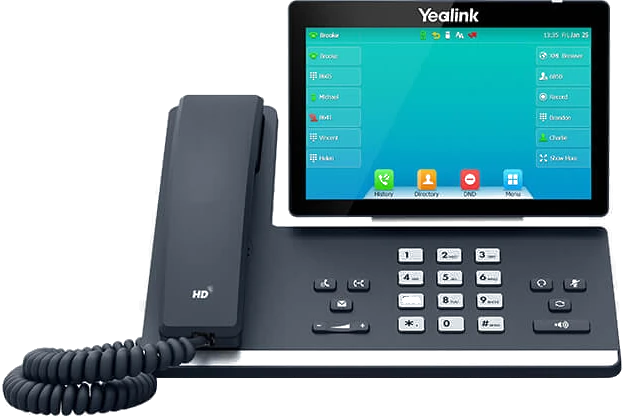

What stops at your premises when the line goes down.
Mobile coverage on the spot, at the exact place where the antenna will be installed.
The scope: what is covered, what is not, and the price. One page.
Then we unplug the fibre in front of you to check the switchover.
We see the incident, often before you do.
We work with Accor and Logis Hôtels hotels. They trust us.
Request a free assessmentA backup that has never been tested is not a backup: the light is green, and nothing switches over.
No, and you should not want it to be. It is a second path, sized to hold up your critical uses for the duration of the outage. A site that lives permanently on its backup has a problem with its main connection, to be dealt with at the root.
Yes. Your switchboard goes through the same internet connection: as soon as the traffic goes over the radio, the calls go with it.
We operate your link under our own operator identifier. The person who sizes the backup monitors it — and answers when you call.
This page describes a backup that switches over. The article explains how to check it yourself, rather than finding out on the day of the outage.
Read: testing your 4G/5G backupThe backup is the second path. The article says what really distinguishes the first one, beyond the advertised speed.
Read: choosing between shared and dedicated fibreAfter a visit, we size the backup at your premises — speeds, priorities, UPS — and the exact scope, covered and not covered, is written down before signature.